Setting Up Custom Pages
Custom pages are pages that you create yourself for any purpose. For example, these can be server rules, a user agreement, an offer, a landing page to attract players, an event schedule page, or any other content. You have full control over the page address, its content, and design using widgets.
To modify or create a page, you need admin.pages or admin.boss permissions.
Creating a Custom Page
To create a custom page, go to Admin Panel → Content section → Pages → Create Page.
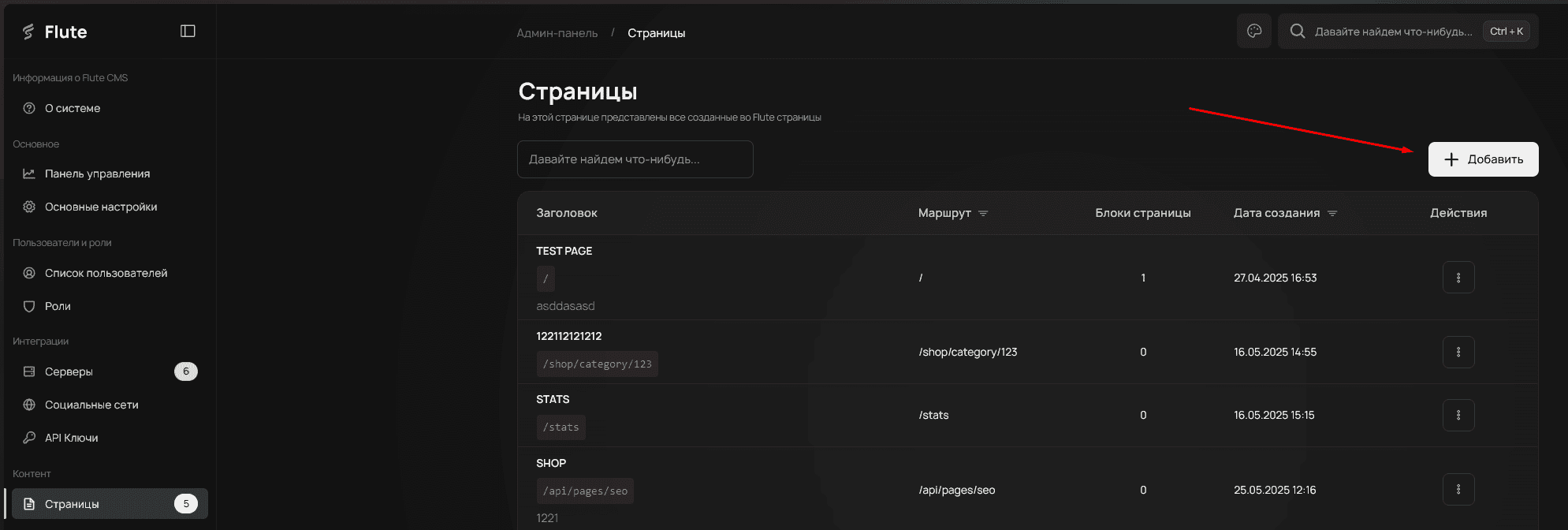
Custom pages do not conflict with module or system pages in any way. So you can create pages at absolutely any URLs.
Enter the basic page information and click Create.
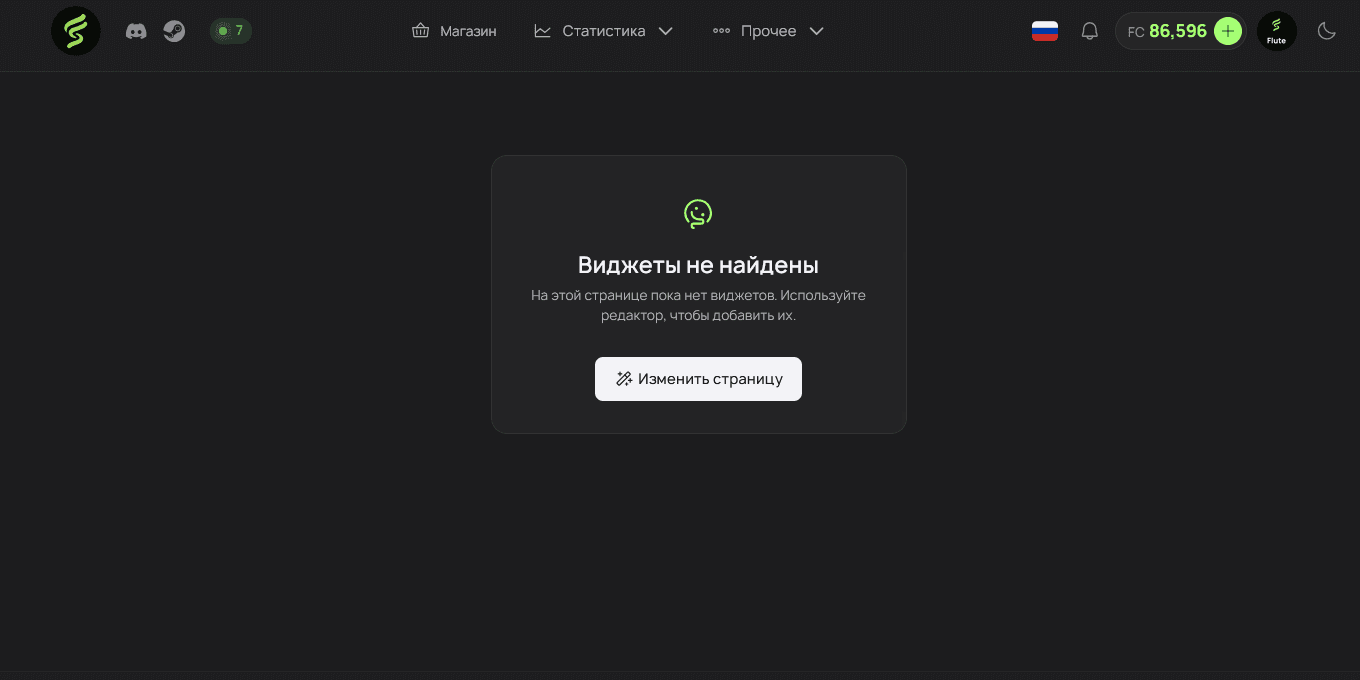
After creation, you can modify its content and widgets by simply navigating to it.
You will see an empty page with a prompt to edit it (by opening the widget editor). More details on how to use the widget editor can be found in the corresponding section.
Changing SEO Parameters
SEO (Search Engine Optimization) — these are parameters that help search engines (Google, Bing, etc.) properly index your page. By filling in the page title and description, you increase the chances that users will find it through search. This is especially important for public pages, such as rules or server information.
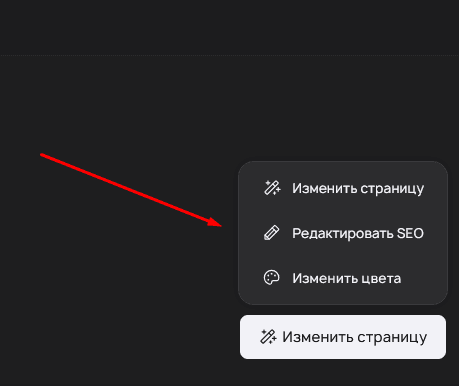
To change a page’s SEO parameters without going to the Admin Panel, you can modify them directly on the page using the Edit SEO button.